
Integration

The Slack logo

Slack

Bring conversations from Slack channels into your shared inbox, reply in the thread and escalate to your team.
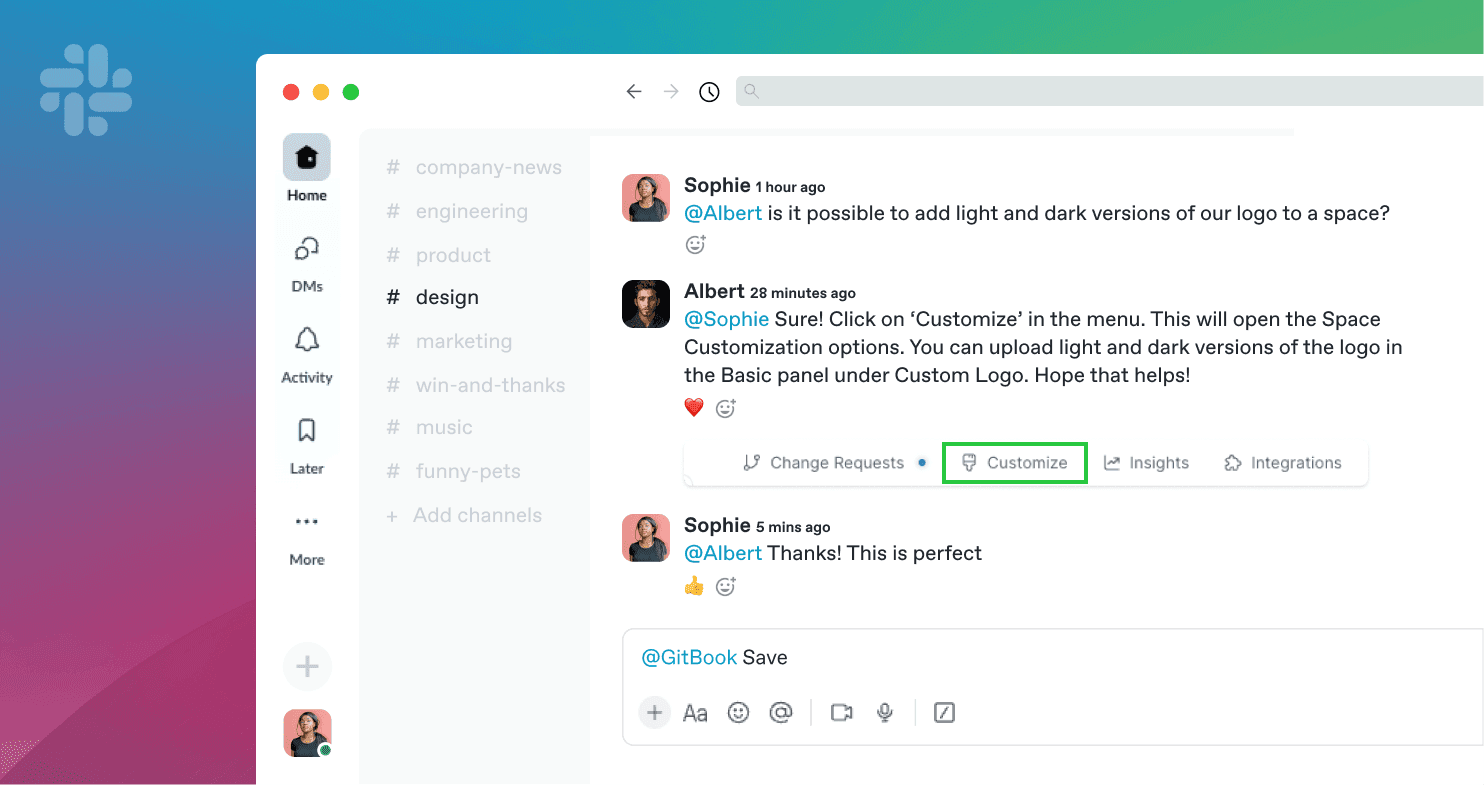
An image showing a Slack thread containing useful information, and someone saving that using GitBook’s Slack bot

Overview

Connect your Slack workspace to QuantCX. Messages in the channels you choose arrive in the shared inbox as conversations, the AI Agent and your team reply in the Slack thread, and cases that need a person are escalated with the full context.

Head to our documentation to find out more.

Good to know: Slack conversations follow the same instructions, guardrails and handoff rules as every other channel in your workspace. Visit our pricing page to learn more.

How it works

Channel intake: Messages in the Slack channels you connect become conversations in the QuantCX shared inbox.

Threaded replies: Replies from the AI Agent and your team are posted back to the Slack thread, so customers and partners stay where they are.

Escalations: When a case needs a person, QuantCX escalates it to your team with the whole conversation attached.

Configure

To get started, open Settings in the QuantCX app and go to the Integrations section.

Select Slack under Integrations in the app settings, authorize QuantCX in Slack and pick the channels to bring into the shared inbox. The connection status is always shown in Settings.

New messages in those channels now arrive in the shared inbox, where the AI Agent answers first and your team can take over at any point.

Every Slack conversation keeps its full history in QuantCX, next to the customer’s chat, email and Telegram conversations.

Read our documentation to learn more.

“Customers and partners who work in Slack get the same AI answers and handoffs as every other channel, without leaving the thread.”

Slack integration

,

Live

Built into QuantCX

“Customers and partners who work in Slack get the same AI answers and handoffs as every other channel, without leaving the thread.”

Slack integration

,

Live

Built into QuantCX

“Customers and partners who work in Slack get the same AI answers and handoffs as every other channel, without leaving the thread.”

Slack integration

,

Live

Built into QuantCX

AI customer support, built for financial markets.

Resolve routine client questions instantly and keep your team in the loop for everything else.

AI customer support, built for financial markets.

Resolve routine client questions instantly and keep your team in the loop for everything else.

AI customer support, built for financial markets.

Resolve routine client questions instantly and keep your team in the loop for everything else.

Enterprise

AI support at scale, with unlimited seats, brands and custom volumes


FreedomPay thumbnail
FreedomPay logo - white
FreedomPay

How FreedomPay is rebuilding its integration experience with QuantCX

The State of Docs Report 2026

State of Docs brings together insights from documentation experts from across the industry

FreedomPay thumbnail
FreedomPay logo - white
FreedomPay

How FreedomPay is rebuilding its integration experience with QuantCX

The State of Docs Report 2026

State of Docs brings together insights from documentation experts from across the industry

FreedomPay thumbnail
FreedomPay logo - white
FreedomPay

How FreedomPay is rebuilding its integration experience with QuantCX

The State of Docs Report 2026

State of Docs brings together insights from documentation experts from across the industry