git sync
Keep your docs and your codebase in sync
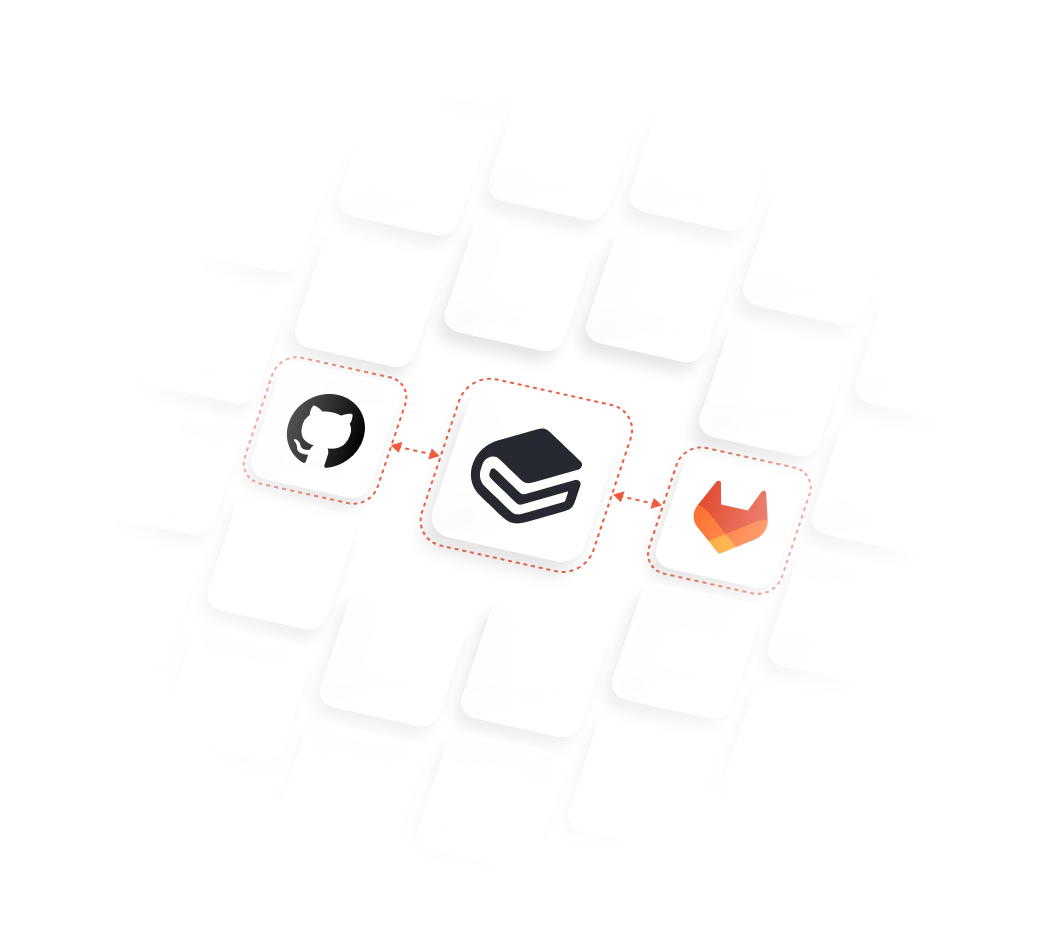
Synchronize QuantCX with GitHub or GitLab using a two-way Git sync, so developers and writers can contribute through the tools and workflows they already use





How Git Sync works
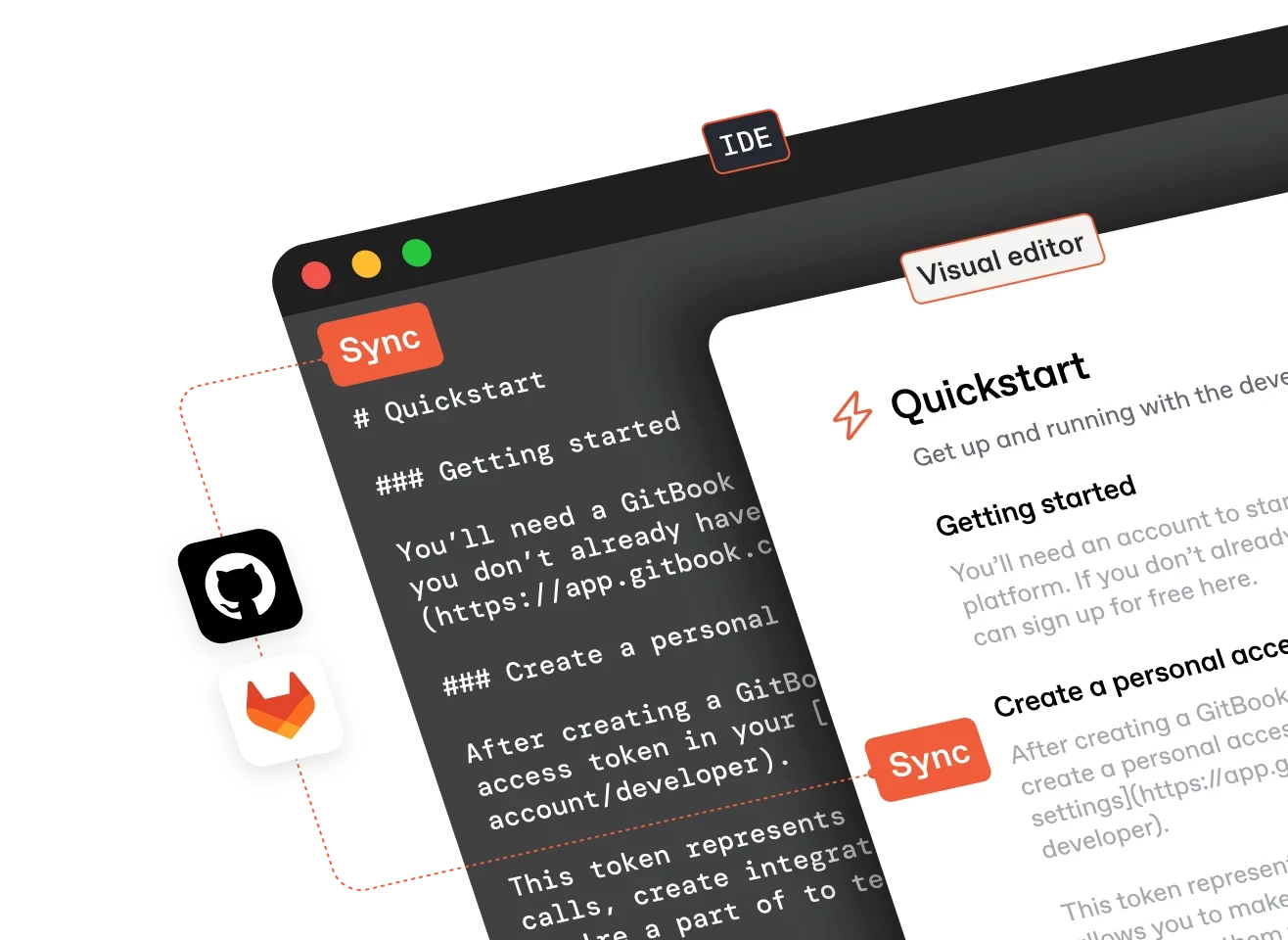
Connect QuantCX to GitHub or GitLab, then edit, review, and publish from either side while your content stays in sync.
01
Connect QuantCX to a GitHub or GitLab repository
02
Edit Markdown in your repo or in QuantCX’s visual editor
03
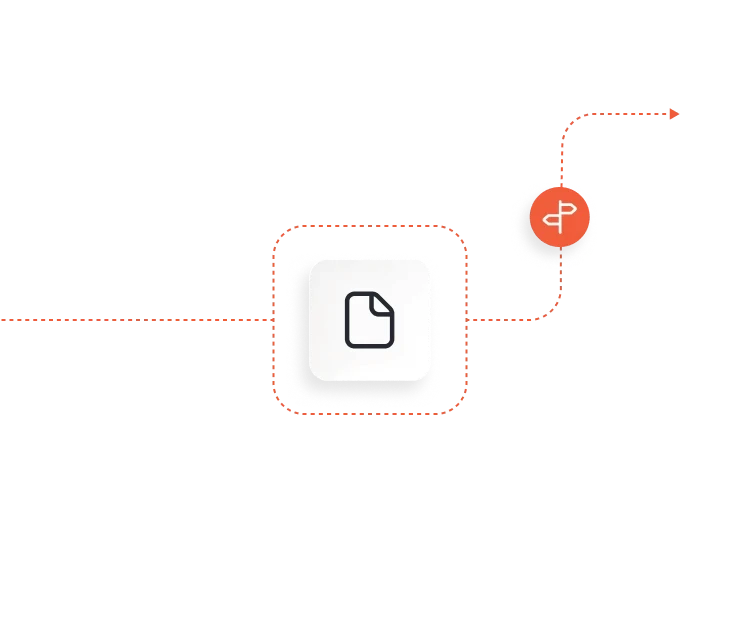
Use branches, reviews, and merge rules to control what’s published
04
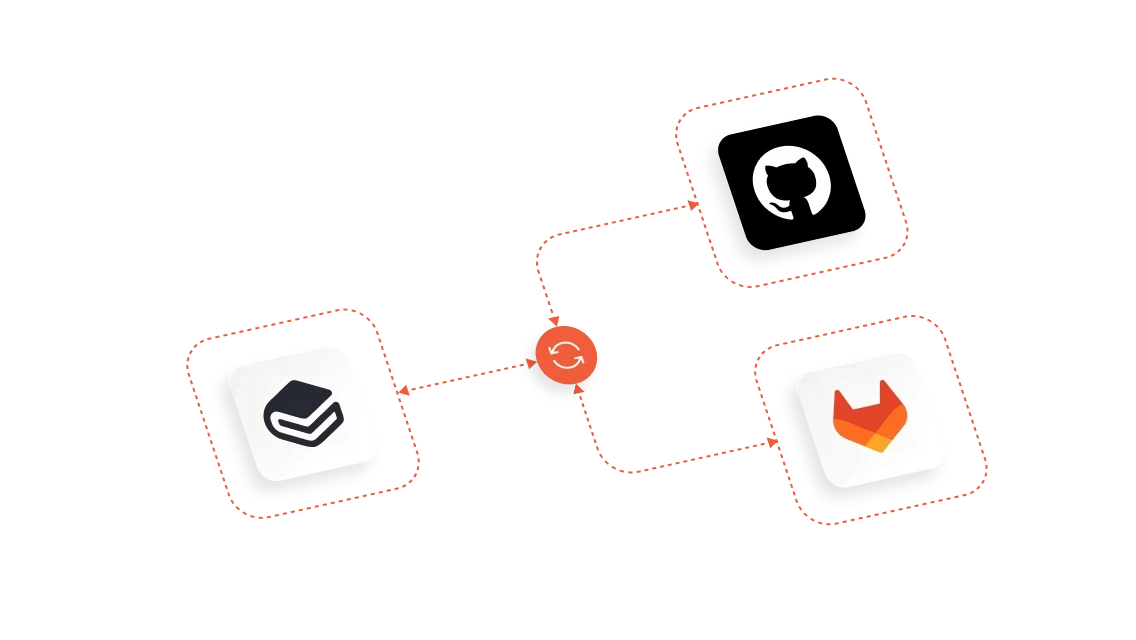
Changes stay in sync across QuantCX and your repository



Integrate with your
Git workflows
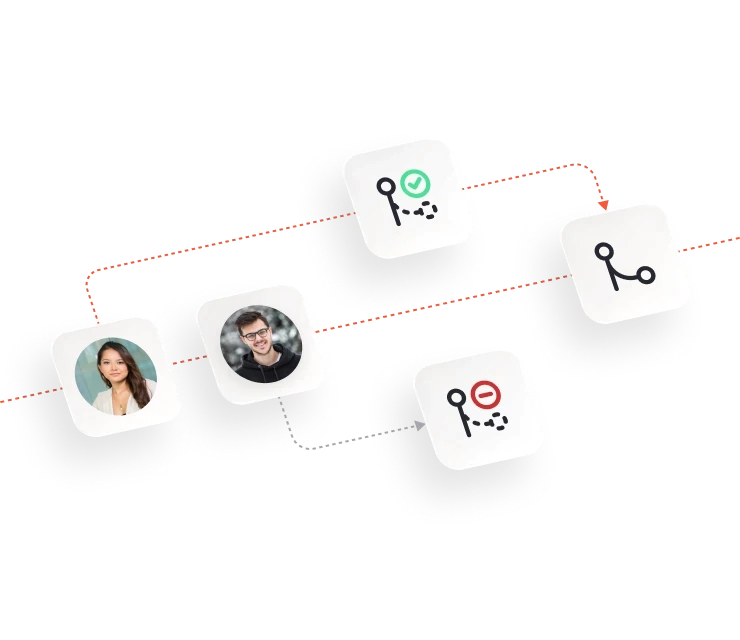
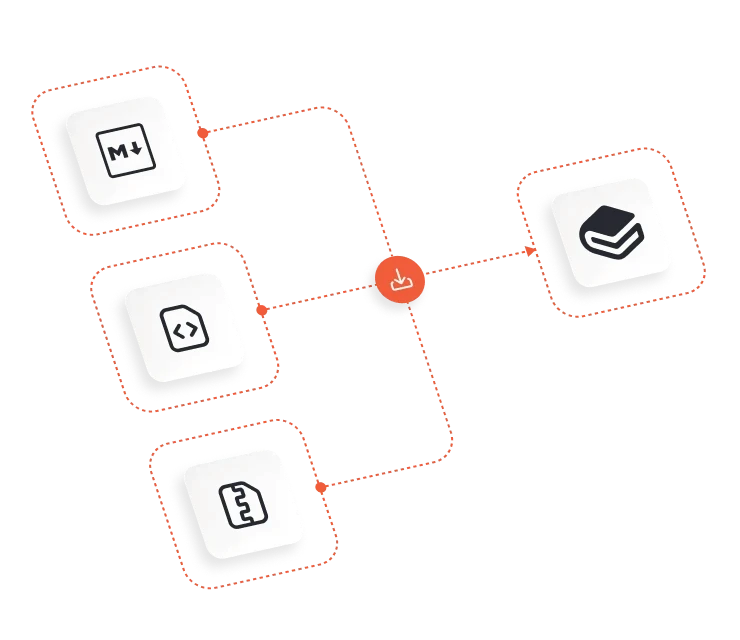


GitHub & GitLab Sync
Synchronize your QuantCX docs with GitHub or GitLab with QuantCX’s bi-directional integration

FAQs
What is Git Sync?

Does QuantCX support docs-as-code workflows?
Can I use Git branches and pull-request-style workflows?
Can I import existing documentation via GitHub or GitLab into QuantCX?
Do developers have to leave their code editor to update QuantCX?