Integration

Gurubase
Add the Gurubase widget to your published QuantCX content.
Overview
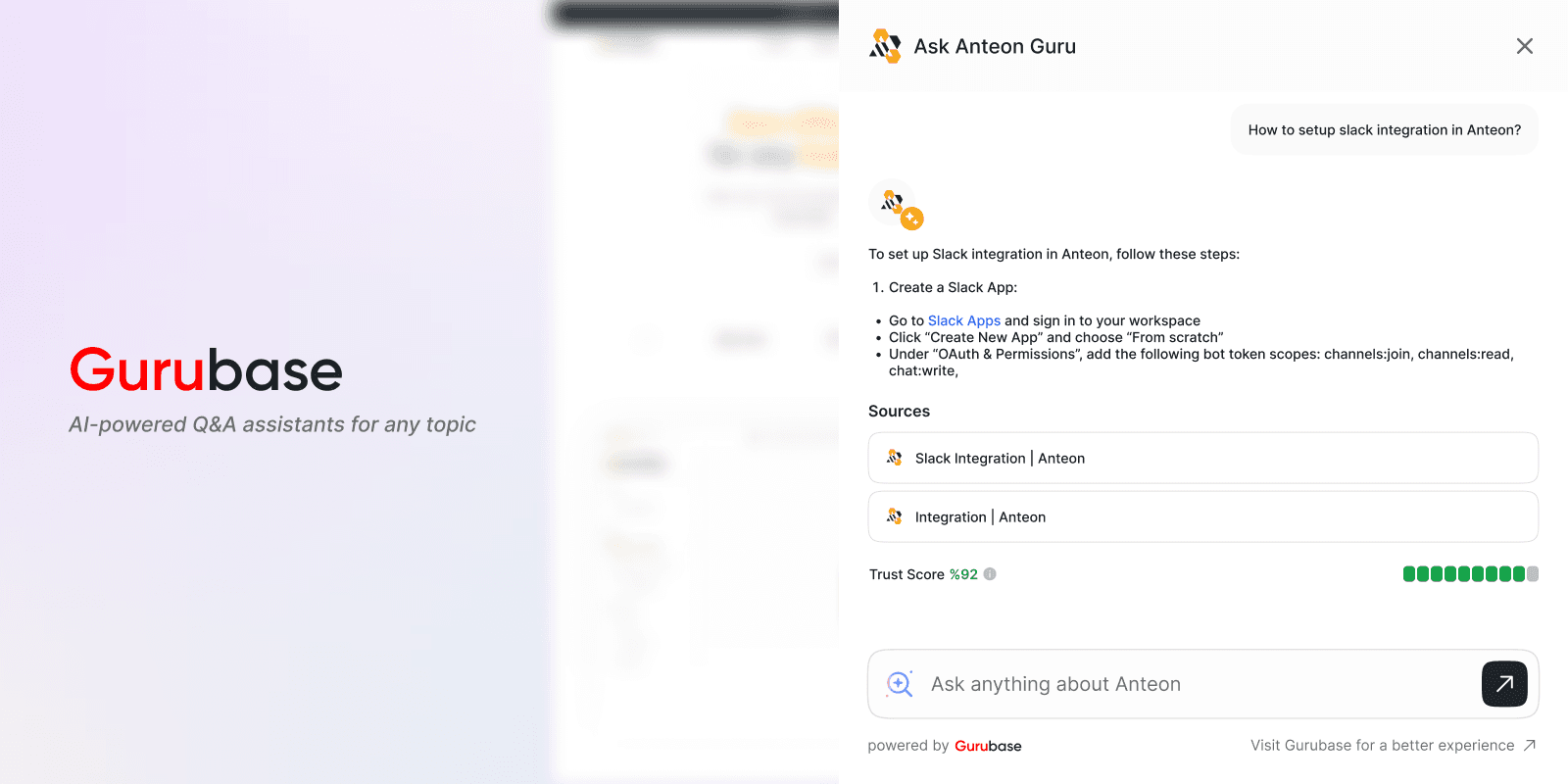
Add an AI-powered chat widget to your QuantCX documentation using Gurubase. This integration enables real-time AI assistance for your readers directly within your documentation pages.
Prerequisites
You need to have a Guru created on Gurubase.io
You need a Widget ID from your Guru's settings page
Go to "My Gurus" page
Select your Guru
Click "Integrations" then "Web Widget"
Create a new widget and copy the Widget ID
Features
Seamless integration with QuantCX pages
Customizable widget appearance
Light/Dark mode support
Custom positioning
Custom branding options
Configuration
Install the integration on your QuantCX site
Add your Widget ID from Gurubase dashboard
Customize the widget appearance (optional)