Integration

Front
Add the Front chat widget to your published QuantCX content.
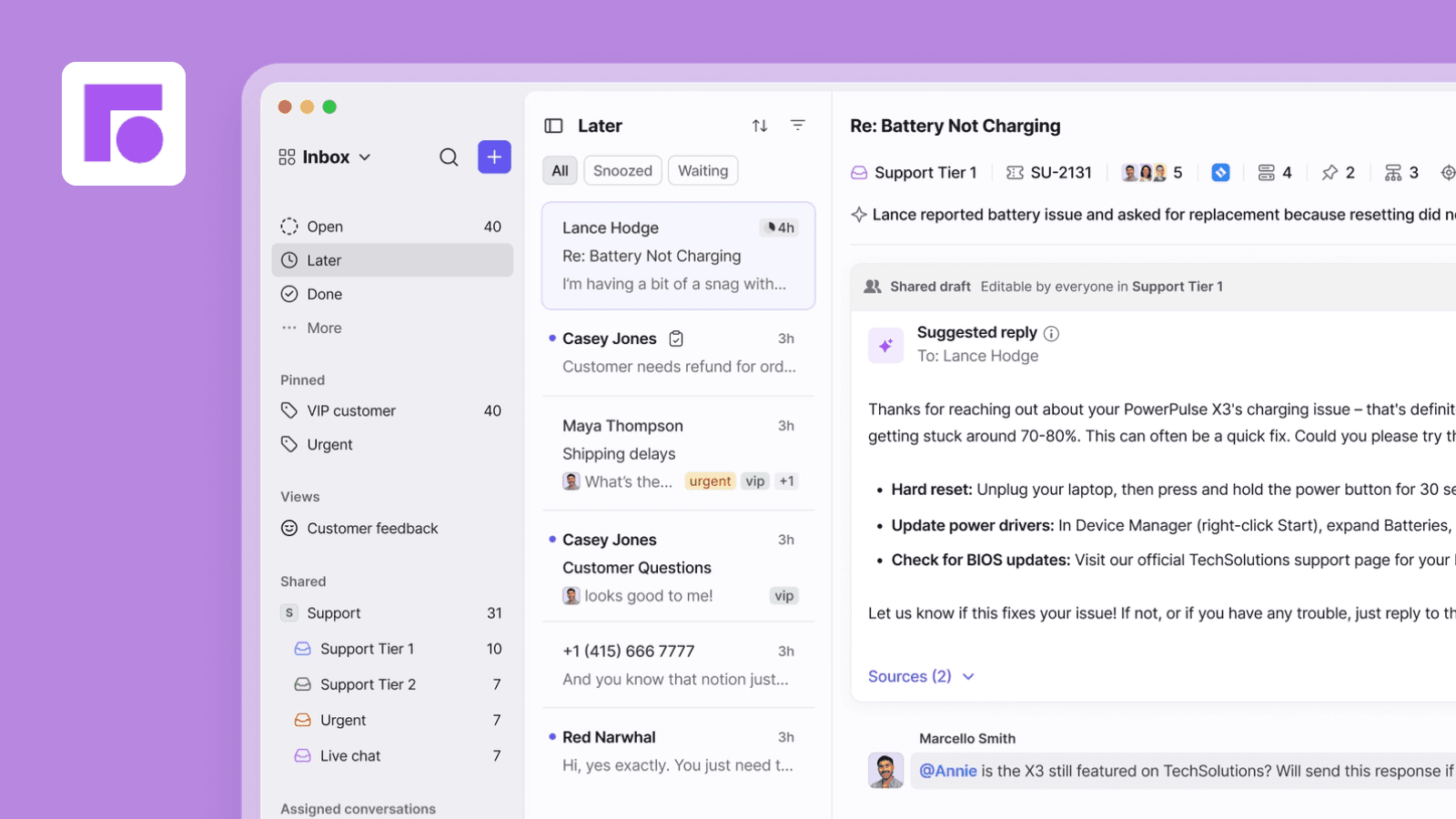
Overview
The Front integration for QuantCX allows you to display the Front chat widget on your public documentation to connect and interact with your readers.
How it works
Automatic chat widget on your documentation: Each of your connected QuantCX spaces will fetch the Front chat widget script and inject it in your published content.
Configure
You can install and configure this integration across multiple sites. To complete the setup, you’ll need to provide the Front Chat ID, which you can find in your Front dashboard.
1. In Front, go to Settings > Channels and click your Chat channel.
2. Open the Installation tab.
3. In the Widget code snippet section, copy the `chatID` value from the code.