Integration

Freshdesk
Add the Freshdesk chat widget to your published QuantCX content.
Overview
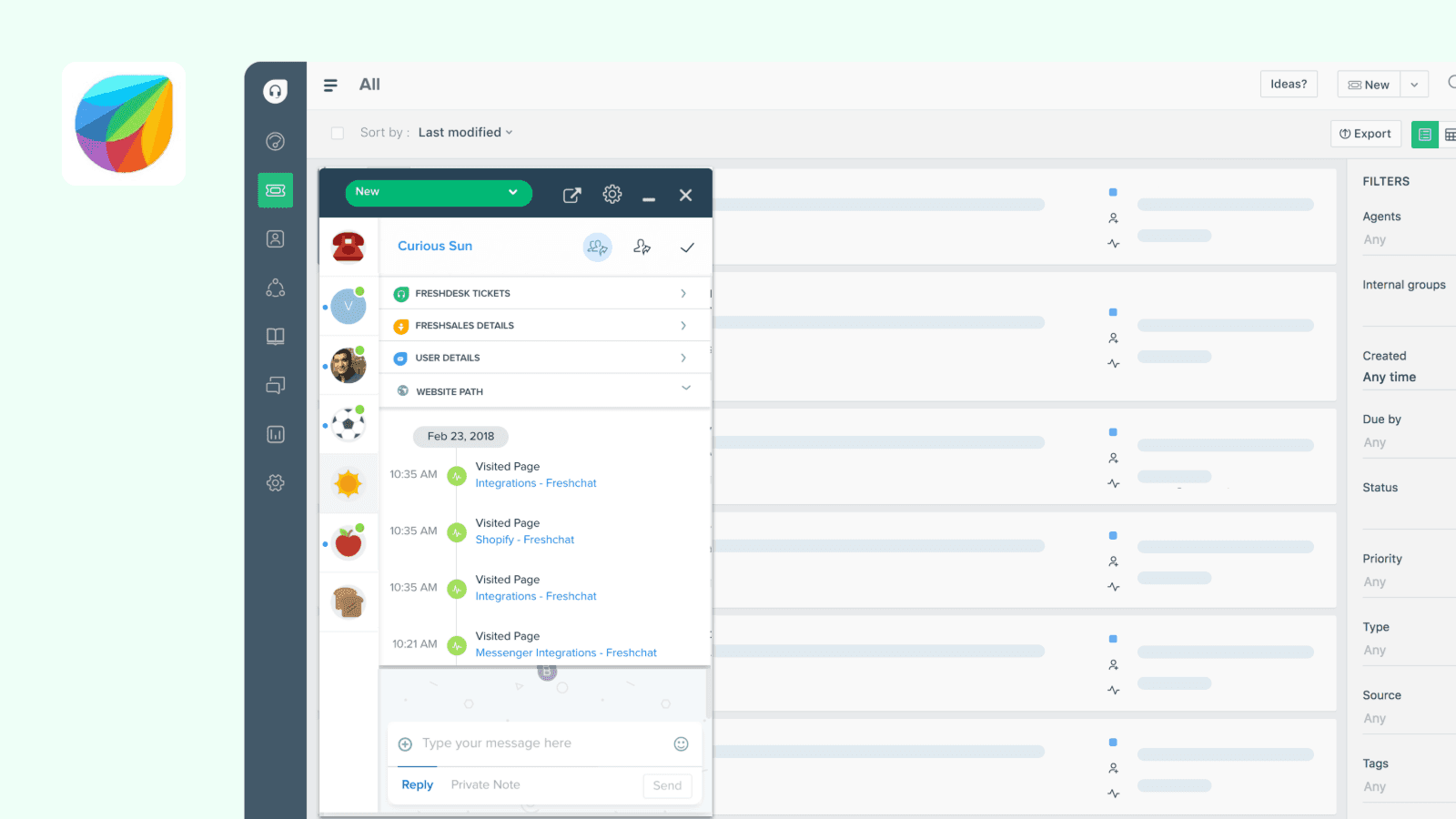
The Freshdesk integration for QuantCX allows you to display the Freshdesk chat widget on your public documentation to connect and interact with your readers.
How it works
Automatic chat widget on your documentation: Each of your connected QuantCX sites will fetch the Freshdesk chat widget script and inject it in your published content.
Configure
You can configure the integration on single or multiple public sites by navigating to the integrations in sub-navigation or org settings. You will then have to provide Freshdesk widget ID to finish the configuration. This can be found in your Freshdesk dashboard, under the Widget section.