INTEGRATIONS
Connect QuantCX to the tools you run
Bring your channels, CRM, store and trading back office into QuantCX. Live integrations, API-key connectors and your own custom apps, all in one workspace
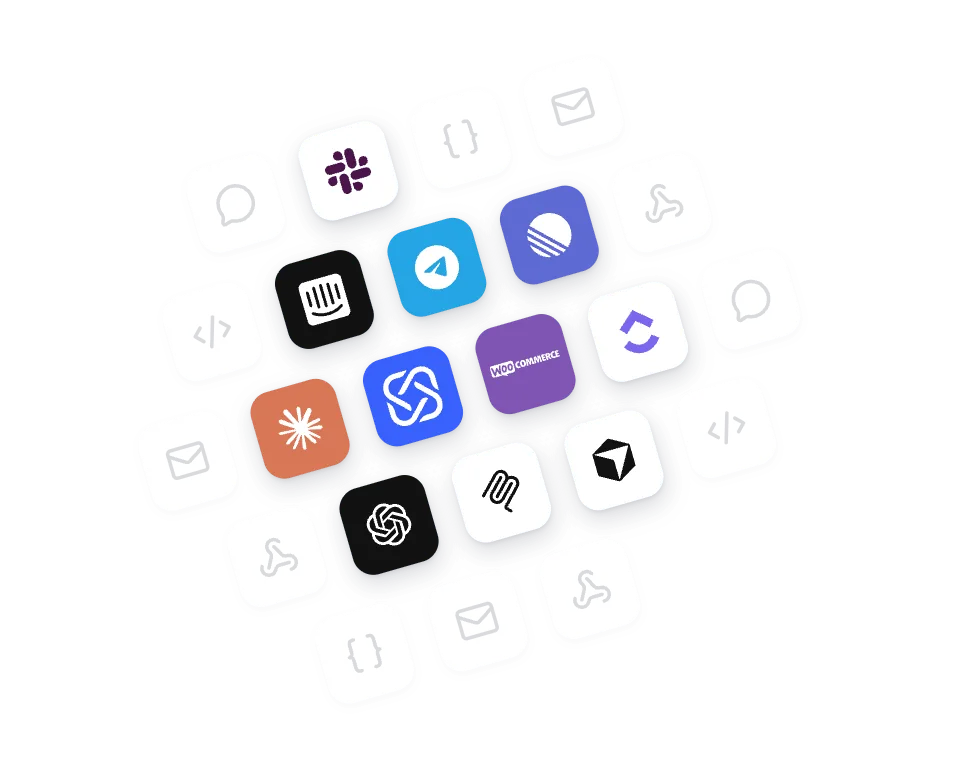
Use what’s built in — or build your own
Connect Slack, Crisp, Intercom and Telegram in a few clicks, add business tools with an API key, or use the REST API, webhooks and custom apps for anything unique to your firm.


“Slack and Telegram conversations land in the same shared inbox as chat and email, so the AI Agent and your team answer from one place.”
Live integrations
,
Built into QuantCX
For support teams
“Slack and Telegram conversations land in the same shared inbox as chat and email, so the AI Agent and your team answer from one place.”
Live integrations
,
Built into QuantCX
For support teams
“Slack and Telegram conversations land in the same shared inbox as chat and email, so the AI Agent and your team answer from one place.”
Live integrations
,
Built into QuantCX
For support teams
CUSTOM APPS
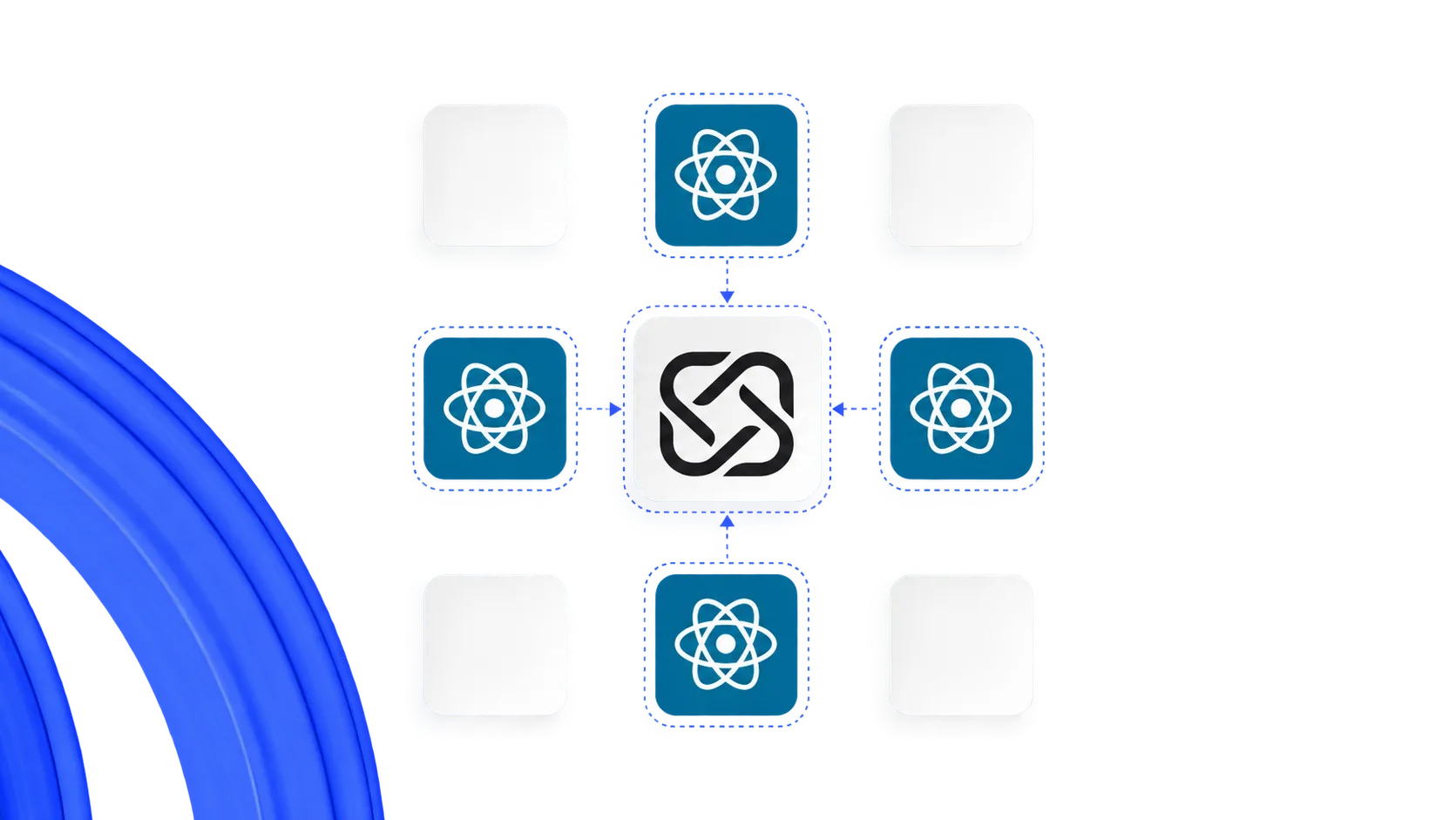
Show your own data in every ticket
Custom apps add your own cards to the ticket side panel. Agents see account, order or trader details from your systems next to the conversation, without switching tools.
Ideas for custom apps


MULTI-BRAND
Connect tools per brand
Connect each integration for all brands or only the brands that use it, so every brand sees its own store, CRM and trading data.



“Each connector is scoped to the brands that use it, so a broker and a prop firm in one workspace each see only their own client data.”
Multi-brand
,
Built into QuantCX
For multi-brand groups
“Each connector is scoped to the brands that use it, so a broker and a prop firm in one workspace each see only their own client data.”
Multi-brand
,
Built into QuantCX
For multi-brand groups
“Each connector is scoped to the brands that use it, so a broker and a prop firm in one workspace each see only their own client data.”
Multi-brand
,
Built into QuantCX
For multi-brand groups
Channels and business tools
Connect your AI and your systems
Use the REST API, signed webhooks, custom apps and the MCP server to connect QuantCX to your own systems and the AI tools your team already uses




Signed webhooks
Send helpdesk events to your systems. Every delivery is signed so you can verify it came from QuantCX, and failed deliveries are retried.




“The REST API, signed webhooks and MCP server connect QuantCX to your back office and to the AI tools your team already uses.”
API & MCP
,
Built into QuantCX
For technical teams
“The REST API, signed webhooks and MCP server connect QuantCX to your back office and to the AI tools your team already uses.”
API & MCP
,
Built into QuantCX
For technical teams
“The REST API, signed webhooks and MCP server connect QuantCX to your back office and to the AI tools your team already uses.”
API & MCP
,
Built into QuantCX
For technical teams
Connect the tools you already use
Live integrations and built-in connectors for the channels, tools and AI assistants your support team relies on

All
Analytics
Security & SSO
Feature flagging
Custom apps
Interactive
Support

Ahrefs

Amplitude

Arcade

Auth0

AWS Cognito

Azure

Crisp

DevTune

Telegram

Fathom

Figma

Formspree

Freshdesk

Front

Fullstory
GitHub
Channel
GitHub Discussions
Connector

GitHub Files
GitHub Issues
Connector

GitLab Files

Google Analytics

Guideflow

Guidejar

Gurubase

Heap

HelpScout

Hexus

Hotjar

HowdyGo

HubSpot

MCP server

Intercom

ClickUp

kapa.ai

LaunchDarkly

LetMeExplain
Linear
Channel
Linear

Lucid

Mailchimp

Marketo

Matomo

Mixpanel

Okta

OneTrust

OpenID Connect protocol

Pendo

Plausible

PostHog

For multi-brand groups

Reo.dev

RunKit

RunLLM

SalesViewer

Scarf

Segment

Sentry

Sevii.ai
Slack
Channel
Slack

Storylane

Supademo

SwiftCX

Toucan Toco

Unify

Webhook

Website
Connector

Wistia

TraderWaves
Connector

ZoomInfo
Ahrefs
Amplitude
Arcade
Auth0
AWS Cognito
Azure
Crisp
DevTune
Telegram
Fathom
Figma
Formspree
Freshdesk
Front
Fullstory
GitHub
Channel
GitHub Discussions
Connector
GitHub Files
GitHub Issues
Connector
GitLab Files
Google Analytics
Guideflow
Guidejar
Gurubase
Heap
HelpScout
Hexus
Hotjar
HowdyGo
HubSpot
MCP server
Intercom
ClickUp
kapa.ai
LaunchDarkly
LetMeExplain
Linear
Channel
Linear
Lucid
Mailchimp
Marketo
Matomo
Mixpanel
Okta
OneTrust
OpenID Connect protocol
Pendo
Plausible
PostHog
For multi-brand groups
Reo.dev
RunKit
RunLLM
SalesViewer
Scarf
Segment
Sentry
Sevii.ai
Slack
Channel
Slack
Storylane
Supademo
SwiftCX
Toucan Toco
Unify
Webhook
Website
Connector
Wistia
TraderWaves
Connector
ZoomInfo
Business tools and connectors
Connect these with an API key from your workspace settings. Connectors marked Coming soon are planned and not yet available.

WooCommerce

Klaviyo

Customer.io

GoHighLevel

YourPropFirm

Referly

Trustpilot

Shopify

Stripe

Twilio

Calendly

Brevo


FAQs
What tools does QuantCX integrate with?

What tools does QuantCX integrate with?
Can I build custom components in QuantCX?
Can I build custom components in QuantCX?
Can I customize QuantCX beyond its built-in integrations?
Can I customize QuantCX beyond its built-in integrations?
Can I embed third-party tools in QuantCX?
Can I embed third-party tools in QuantCX?
Do I need to build custom integrations to connect QuantCX to my stack?
Do I need to build custom integrations to connect QuantCX to my stack?
Can I connect external knowledge to QuantCX AI?
Can I connect external knowledge to QuantCX AI?
AI customer support, built for financial markets.
Resolve routine client questions instantly and keep your team in the loop for everything else.
AI customer support, built for financial markets.
Resolve routine client questions instantly and keep your team in the loop for everything else.
AI customer support, built for financial markets.
Resolve routine client questions instantly and keep your team in the loop for everything else.
AI customer support, built for financial markets.
Resolve routine client questions instantly and keep your team in the loop for everything else.
Product
Solutions
Resources

© 2026 QuantCX. QuantCX is operated by QuantTechnology Group PTE. LTD., 68 Circular Road, #02-01, Singapore 049422.
Get an AI summary




The State of Docs Report 2026
State of Docs brings together insights from documentation experts from across the industry
Product
Solutions
Resources
© 2026 QuantCX. QuantCX is operated by QuantTechnology Group PTE. LTD., 68 Circular Road, #02-01, Singapore 049422.
Get an AI summary
The State of Docs Report 2026
State of Docs brings together insights from documentation experts from across the industry
Product
Solutions
Resources
© 2026 QuantCX. QuantCX is operated by QuantTechnology Group PTE. LTD., 68 Circular Road, #02-01, Singapore 049422.
Get an AI summary
The State of Docs Report 2026
State of Docs brings together insights from documentation experts from across the industry